Start and finish a visit
Use Today to see your visits in order, start each one when you arrive, and end it when you leave.
Time: A few seconds a visit · Updated Oct 13, 2026
Before you start
- A booking for today.
Open Today
Today is the first screen in Reeve: every visit for the day, in order, with the client, pet, service and address. The tiles across the top count what’s Not started, In progress, Late, Missed and Completed; click one to show just those. Today’s route opens the day’s stops on a map.
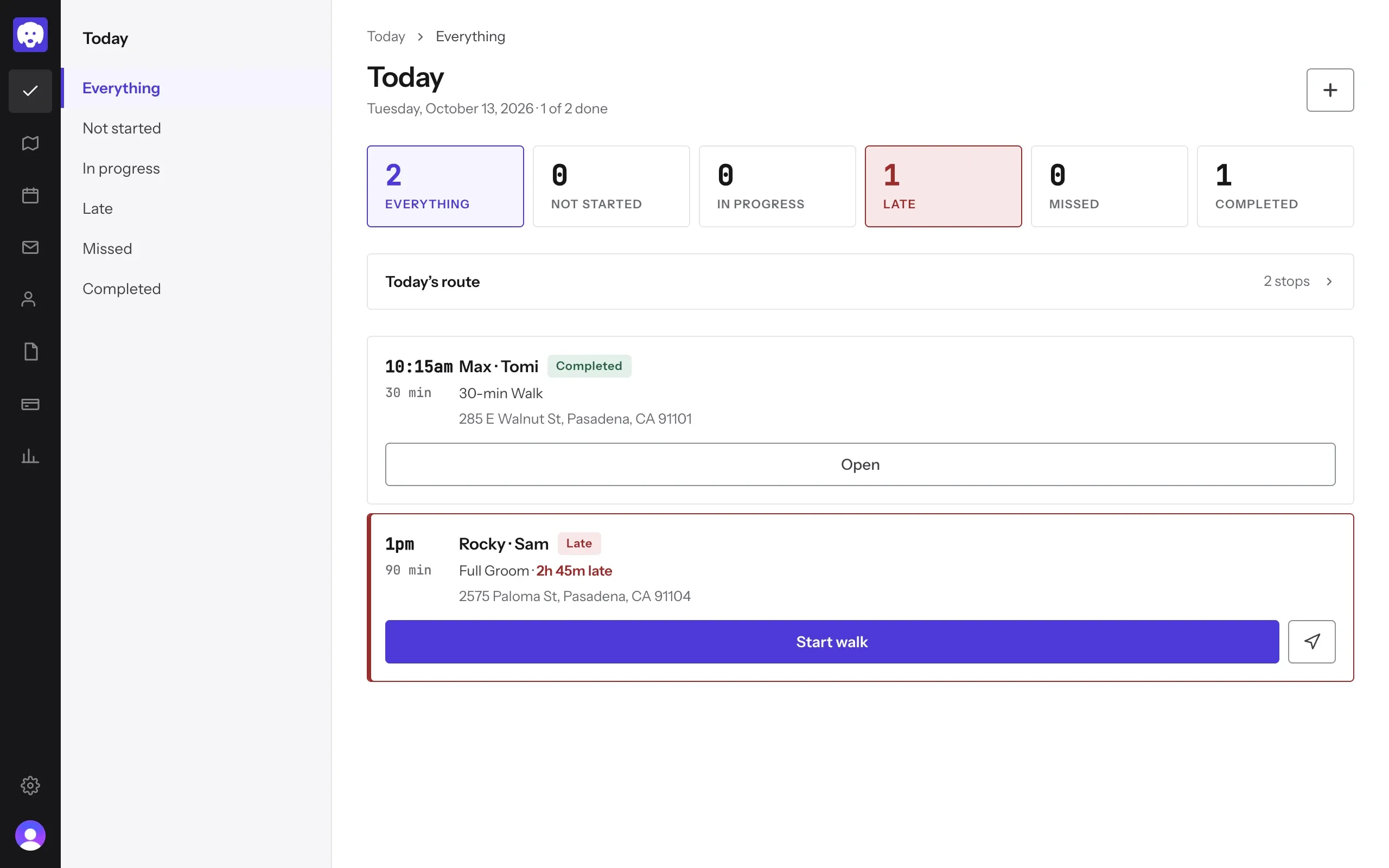
Start the visit when you arrive
Click Start walk on the visit. Its status changes to In progress and Reeve keeps time while you’re out. On your way there, the arrow button beside it sends the client an On my way text.
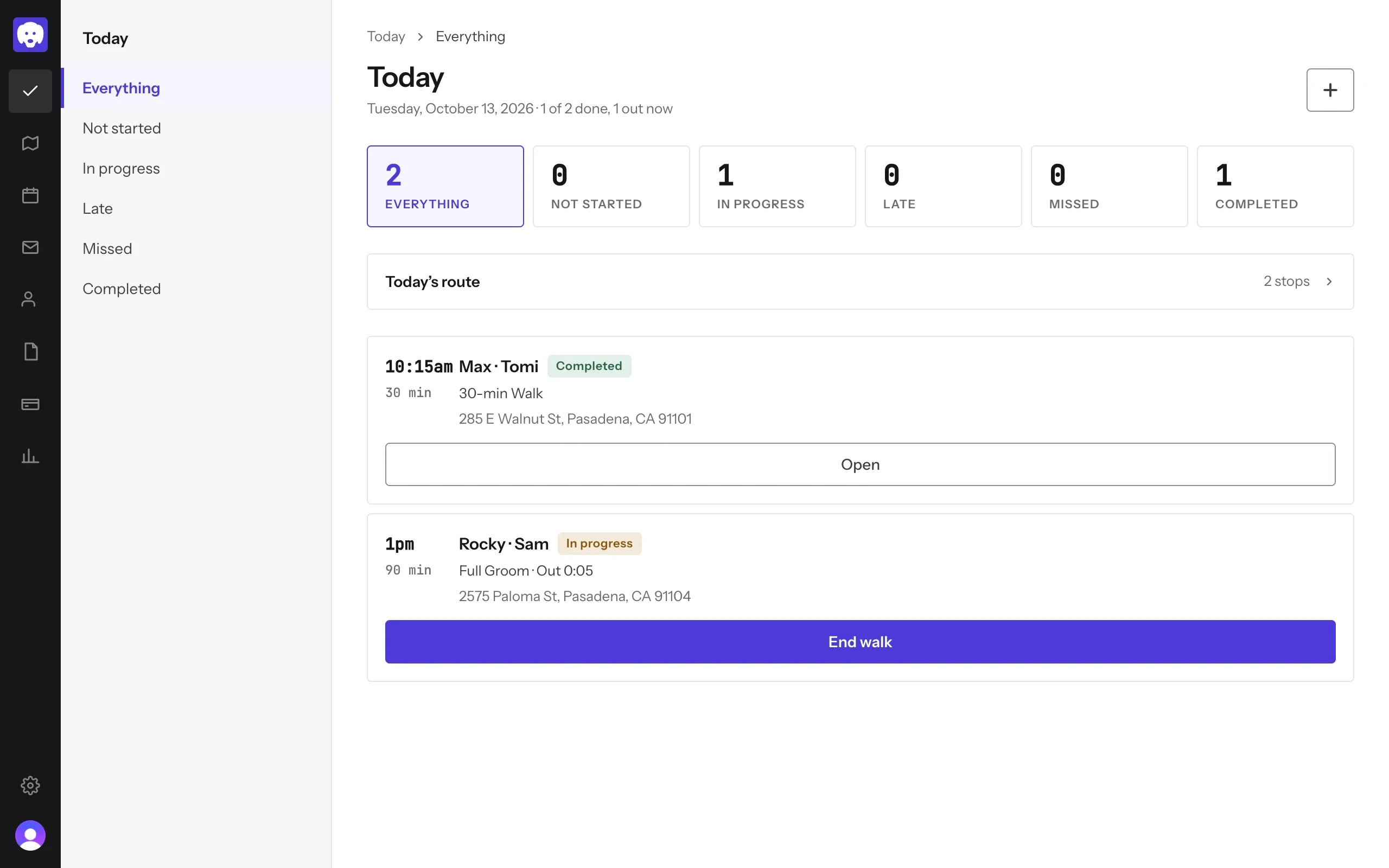
End it when you leave
Click End walk. The visit is marked Completed and counts toward the day’s total.
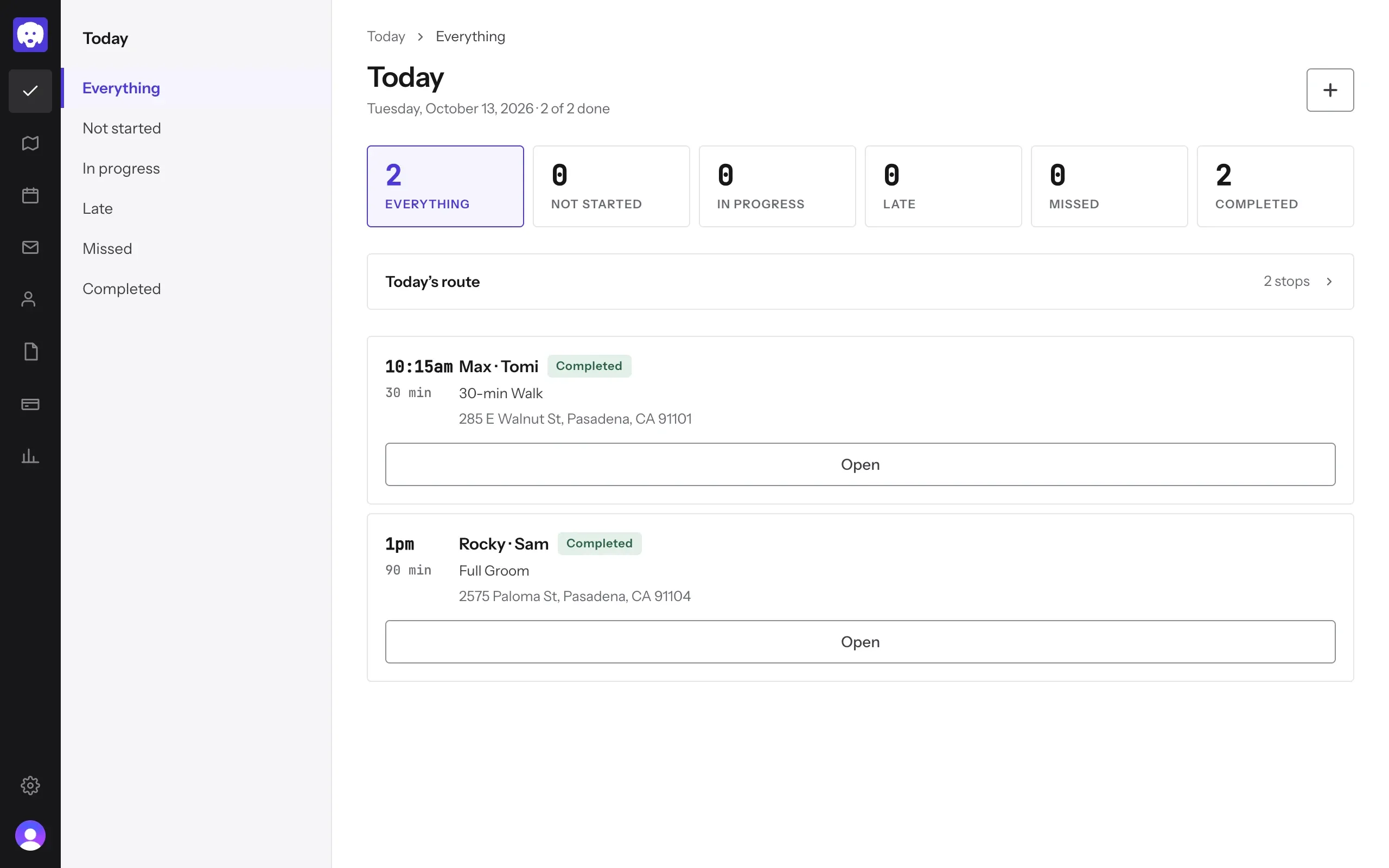
Drop-offs and stays use Check in and Check out in the visit’s panel instead; check-in asks for the drop-off time.
What’s next
Send an invoice and get paid for the visit.
Still stuck?
Email us and a person will help, or book a 15-minute call and we'll walk through it with you.
admin@reeve.pet