Message a client
Start a conversation with a client from Messages, with their next visit and quick actions in view.
Time: Under a minute · Updated Oct 13, 2026
Before you start
- A client with a phone number.
Start a new message
Click Messages in the left-hand bar, then New message. Search by name, email or phone, pick the client, and click Message with their name.
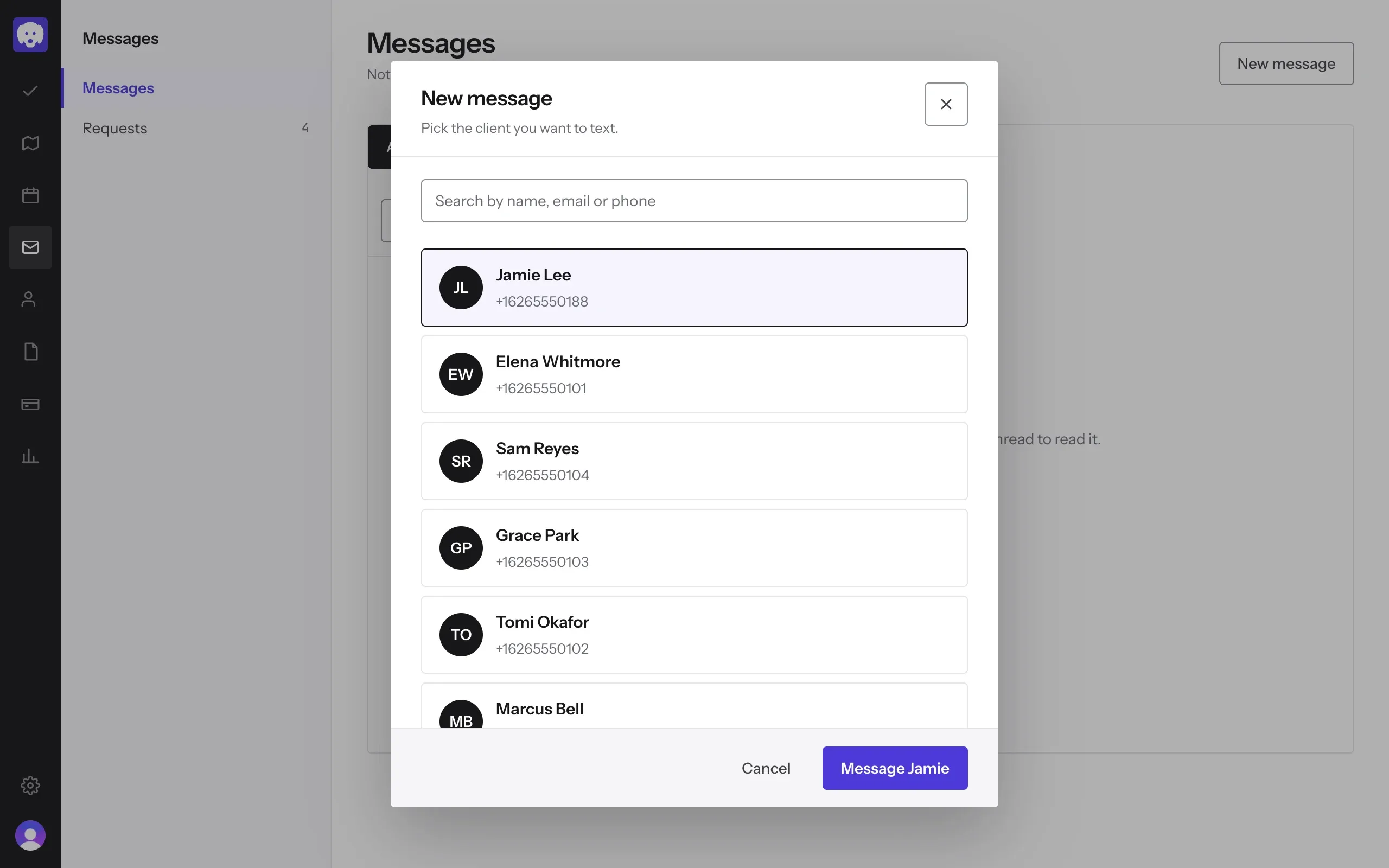
Write to them
The conversation opens with the client’s Next visit above it, so you can see what you’re talking about. Call, Book and Profile are at the top. Type your message and send it.
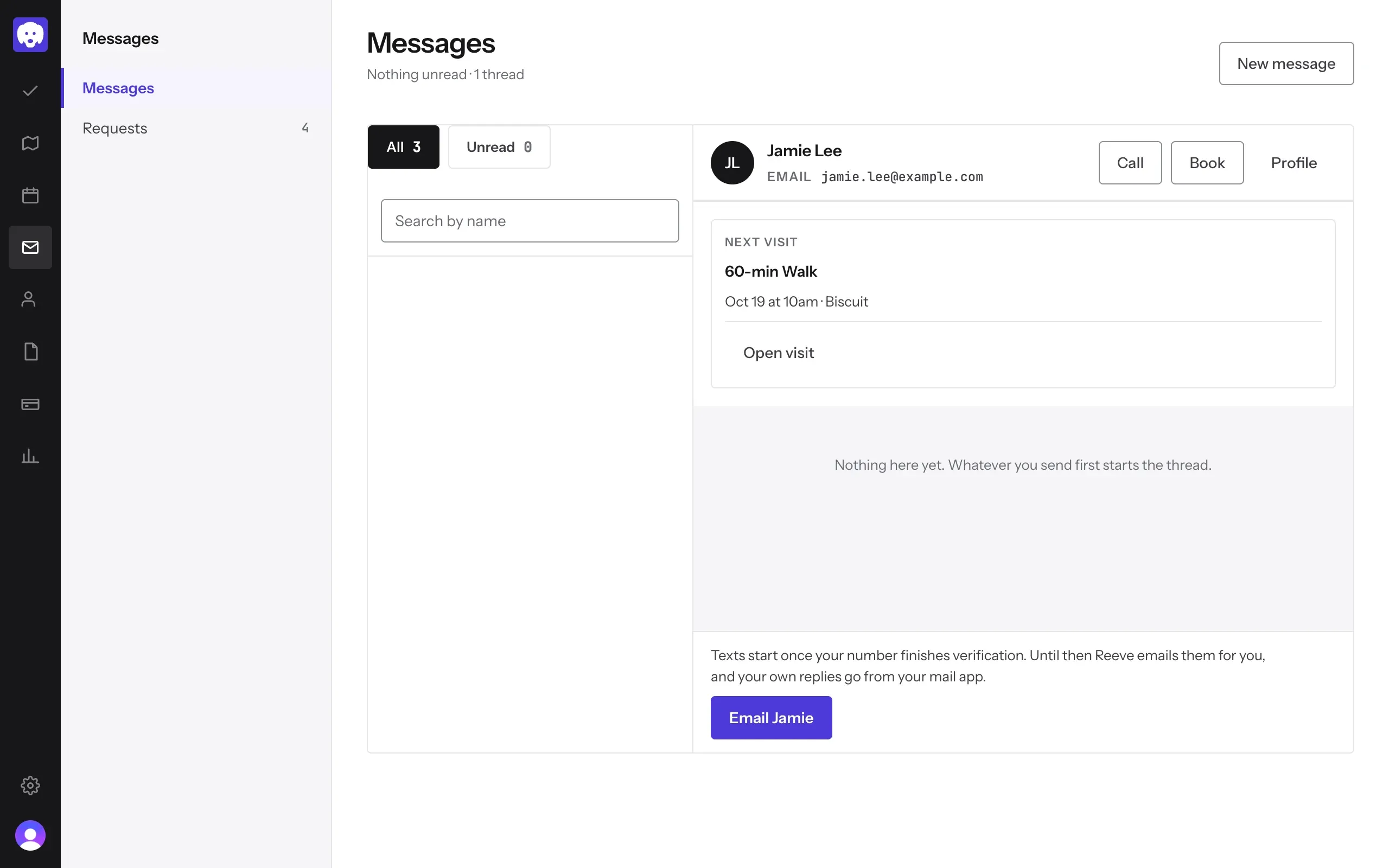
Until your business number finishes verification, Reeve emails clients for you instead, as in the picture above, and your own replies go from your mail app. Texts start as soon as it’s verified.
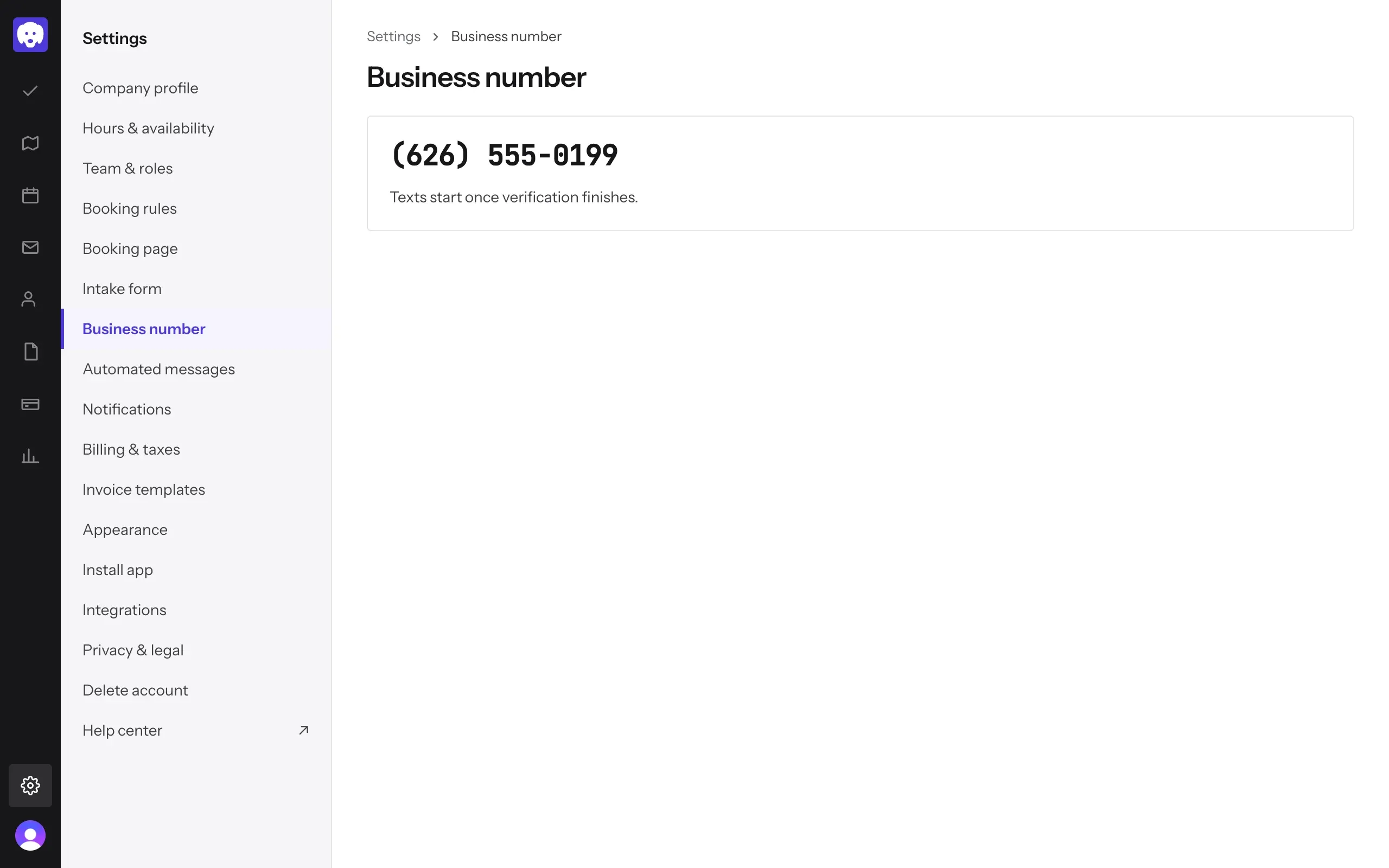
Check your business number
Your business number is the number clients text you on. Find it in Settings → Business number, along with whether it’s verified yet.
What’s next
Handle a booking request that comes in from your booking page.
Still stuck?
Email us and a person will help, or book a 15-minute call and we'll walk through it with you.
admin@reeve.pet